Hocking Hills rentals are scattered across a rural, wooded region where the small details of a property often matter more than the marketing category. This guide focuses on the practical questions that help you choose a rental that actually fits the trip.
Want local rental options that fit this exact need?
Send your dates, group size, budget and must-haves once. Your request may be shared with up to 3 relevant participating Hocking Hills lodging operators who may contact you about matching availability. No obligation to book.
Find matching stays →Start with the task, not the technology
Checking email and streaming a movie are different from leading a video meeting while someone else uploads files. Before you ask whether the cabin has good internet, define what “good” means for your workday.
If you only need occasional messaging, almost any stable connection may be fine. If your job depends on video calls, VPN access, cloud sync or large transfers, you need a more specific answer.
Ask for a recent speed test
The most useful proof is a recent speed test taken inside the rental, ideally near the place you would work. Ask for download, upload and latency if the operator has them. Upload matters for video calls and file transfers and is easy to overlook when a listing only advertises a download number.
Also ask whether the result is typical or from an unusually quiet moment. Shared or wireless systems can perform differently when several guests are connected.
Know the connection type
Fiber, cable, fixed wireless, DSL, satellite and cellular-based connections behave differently. Starlink can be a strong solution in rural areas, but trees, weather and router placement still matter. Cellular hotspots are only useful where the relevant carrier has service.
You do not need to become a network engineer. You just want enough information to know whether the operator understands the connection and can describe it honestly.
The workspace matters too
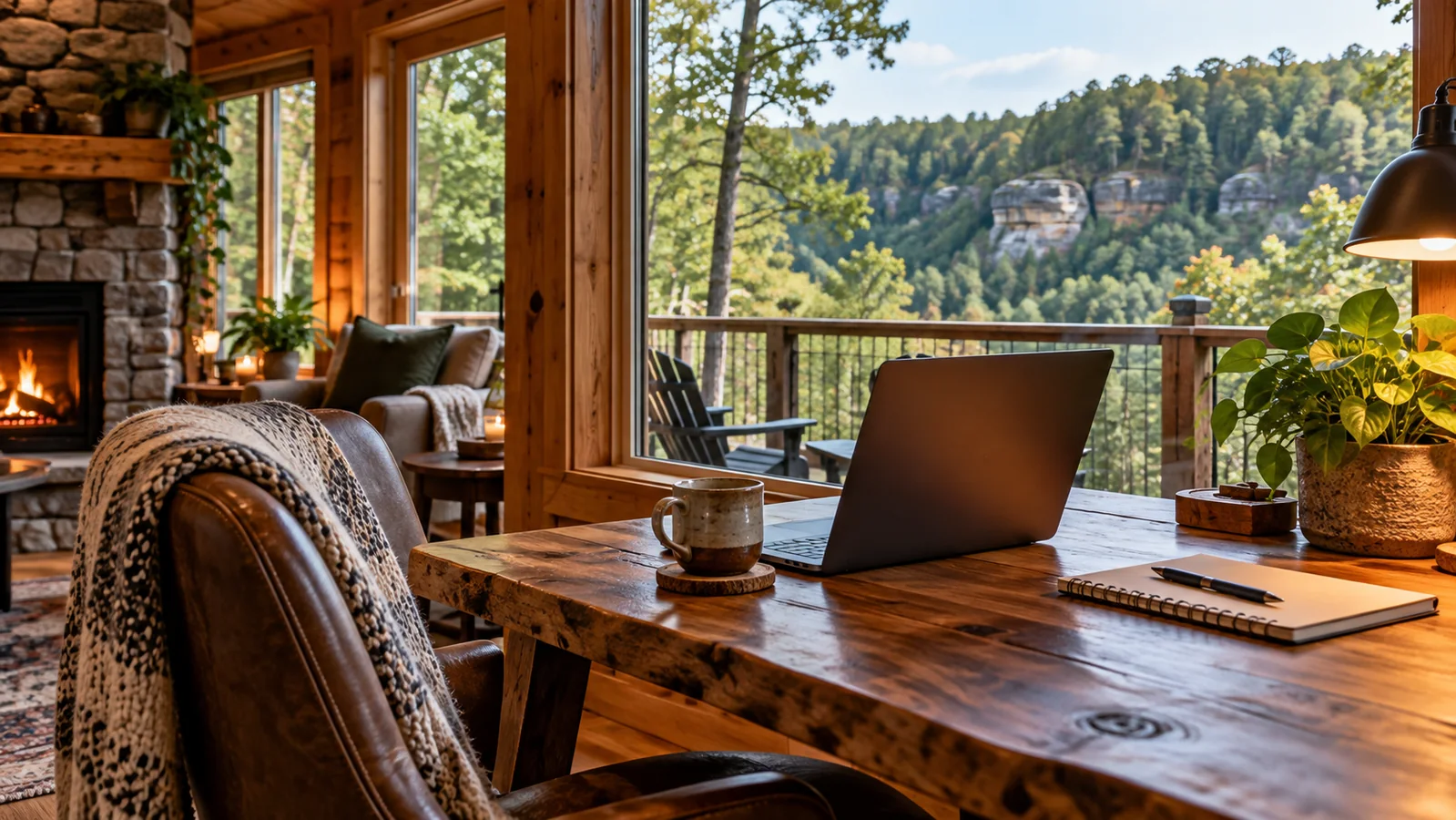
A beautiful dining table can work for one laptop session and become miserable for three days of calls. Look for a real chair, nearby outlet, controllable lighting and a background that does not force you to sit in the middle of the kitchen.
If multiple people are working, ask whether there are two separate rooms where calls can happen without hearing each other. A big cabin with one open great room can be worse for two remote workers than a smaller rental with a bedroom desk.
Create a backup plan
Before a critical meeting, download documents locally, save the property address and identify the nearest place you could drive if the connection fails. If your phone carrier works at the cabin, a hotspot can be a useful backup—but do not assume rural cell coverage.
For a truly work-critical trip, ask the operator what guests do when the main internet connection goes down. The answer tells you a lot about whether the property is used by remote workers or merely happens to have a router.
Make the requirement part of the request.
Instead of opening dozens of listings, tell us the dates and the one or two things the stay absolutely has to do. We’ll route the request to a small number of relevant local operators.
Start a rental match →Frequently asked questions
Do Hocking Hills cabins have reliable Wi-Fi?
Some do and some do not. Rural connectivity varies by property, so ask for a recent speed test and the connection type when internet is important.
Is Starlink good enough for Zoom?
It can be, but real performance depends on the installation, obstructions and current conditions. Ask the operator for a recent speed test from the property.
What internet speed do I need for remote work?
It depends on your tasks and how many people share the connection. Instead of relying on one generic threshold, verify recent download, upload and latency and compare them with your actual work requirements.
HockingRentals.com is an independent Hocking Hills guide operated by Scout Theory. A rental-match request is not a reservation and does not guarantee availability or pricing. Always verify property-specific details directly with the lodging operator before booking.